New to ThruTracker? Pick where to start below — or grab the free trial and dive in.
Processing footage, reviewing tracks, and fixing common issues.
The main ThruTracker 3.0 walkthrough — set up a project, choose settings, process footage, and review results.
Start a New Project in ThruTracker and add your video — copy it in or just reference where it lives.
Set Target Diameter, Target Polarity, Sensitivity, and Max Density, then click Test Current Settings to make sure the boxes land on your targets of interest.
If you're counting an emergence, draw a Gate. A bat is counted once it's detected inside the gate and then outside it.
Save and Advance runs detection and tracking across the whole video.
Watch the video with the tracking overlay and check the emergence count. To go further, you can move on to manually vetting the results — classifying tracks or validating counts.
The complete manual on a single scrollable page — projects, detection settings, processing, and track review.
Jump straight to a fix for the usual snags — no detections, false detections, zero or negative gate counts, or finding the action in long recordings.

A few general recommendations make footage that's easy to count — but the most important thing is to just start.
If you can count the bats with your own eyes, ThruTracker can count them too. So don't overthink the gear — get whatever camera you can afford, put it out there while you're doing your other fieldwork, and try. You'll learn as you go.
ThruTracker does not do well with handheld footage — camera shake reads as motion and wrecks the tracking. No tripod? Prop your phone or camera up on something solid and don't touch it while it records.
The bats have to stand out from the background. Thermal needs a temperature difference; light & near-IR need a brightness difference. On thermal, the ThruTracker Recorder lets you dial in brightness and contrast as you film to get the cleanest separation.
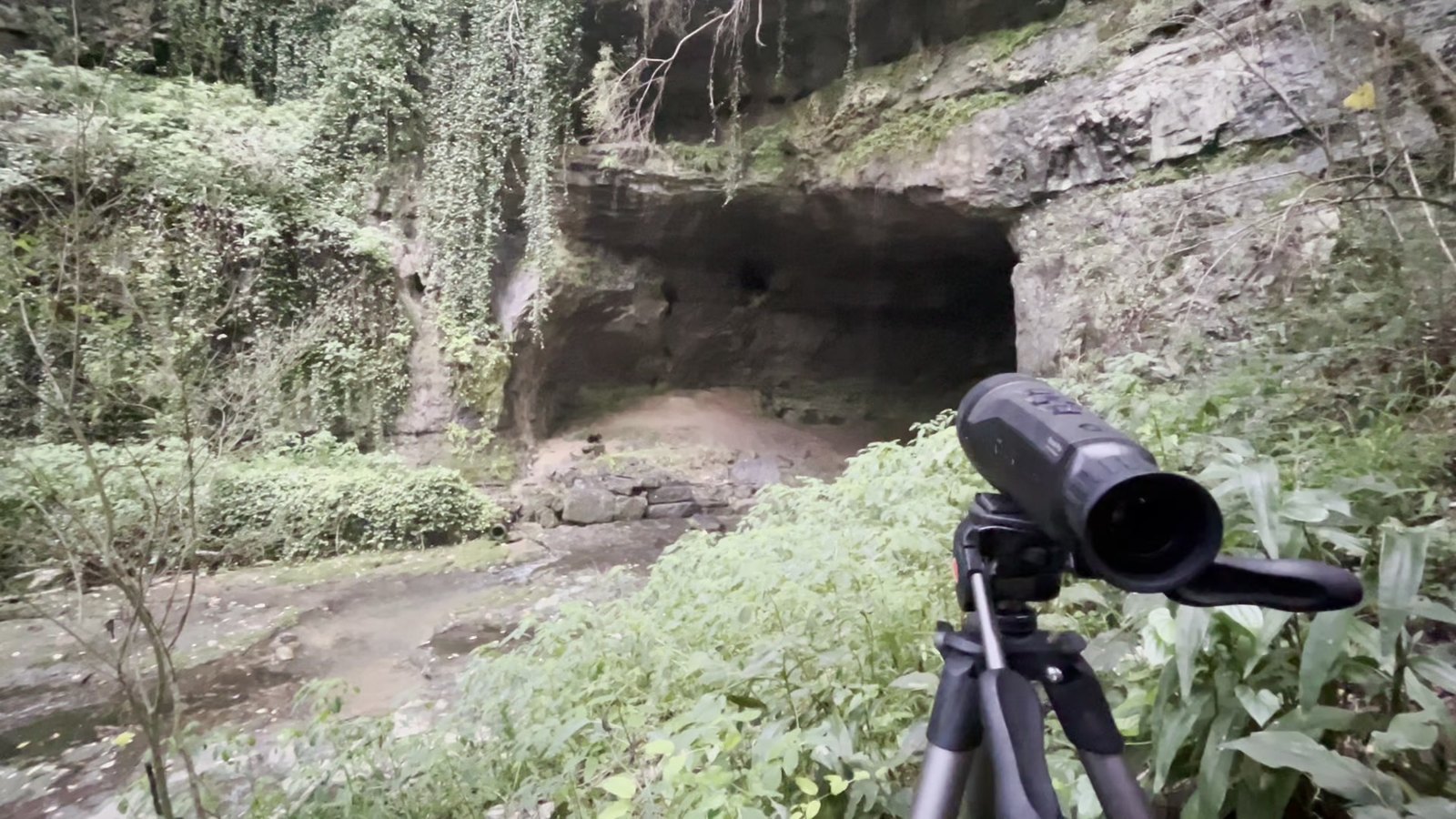
Point the camera along where the bats actually leave. Film perpendicular to their flight path when you can, and give them a little extra space in the direction they travel.
Think like a photographer, not a tourist. Walk the whole roost, check the backgrounds, and try it from the front, the side, and below. Treat your first night out as a scouting mission — you don't have to commit to a spot right away.
Field placement and ThruTracker analysis tips for each roost type — caves & mines, buildings, bridges, and trees, with walkthrough videos.
Which thermal, near-IR, or visible camera to use for counting bats — the ones we've vetted, plus community feedback.
A little 3-D simulation to explore with: pick a roost type, move the camera around it, and watch the same emergence in thermal and visual to get a feel for what each angle gives you.
Peer-reviewed methods, validation studies, and citation guidance for published work.
Recorded talks and webinars featuring ThruTracker and video-based emergence monitoring.
Installation problems, licensing questions, processing issues — send us the details and we'll get back to you.
Email: aaron@thrutrackeranalytics.com
Found a bug, or is there a feature that would make your workflow easier? Tell us — user feedback drives the ThruTracker roadmap.