
Practice & Training

Training Datasets

Real emergences to practice on. Each dataset is a clipped recording paired with the .yml settings file that was used on it, so you can work the video yourself and then compare against a known answer. They span the range from a clean, predictable box emergence to a building where you have to find the exit before you can count it. Settings can also be drilled on their own in the module quizzes.

Before you record your own: the Camera Placement Sandbox is a 3-D simulation where you move a camera around a roost and watch what height, angle, and distance do to contrast, target size, and exit coverage.

Open the Camera Placement Sandbox →
Species
Roost type

Download every dataset · 75 MB or take them one at a time below

Yuma myotisMyotis yumanensis
Bat box →BeginnerThermalFLIR Scout Pro30 s clip

Yuma myotis · bat box
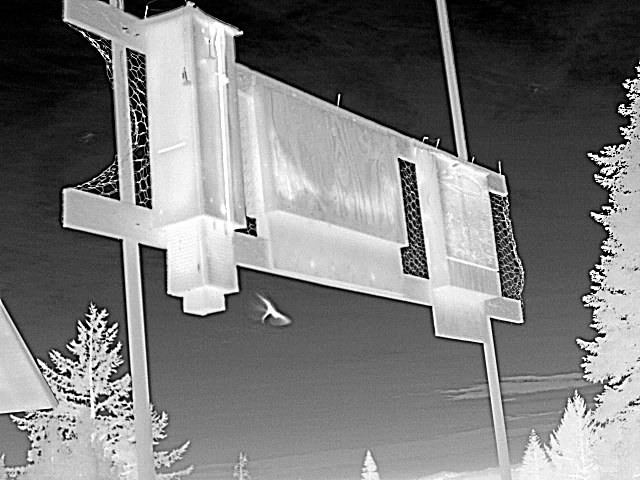
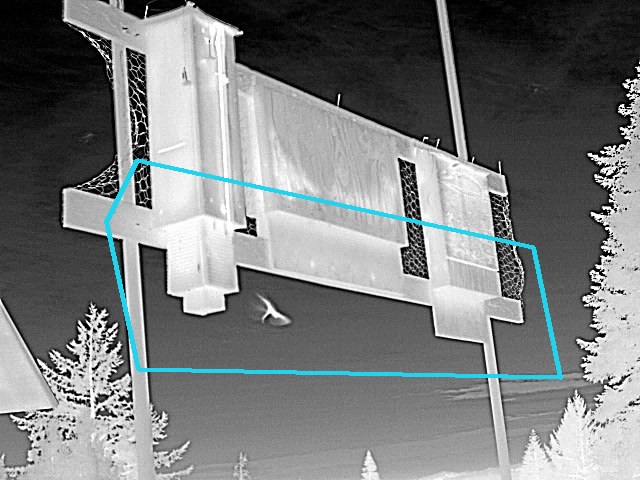
Thermal still: a pole-mounted roost box shot from below against open sky, with a bat in flight above it

A bat dropping out of the box, filmed close in against open sky.

Files
Download the dataset clip + settings · 14 MB
Show the settings (answer key)
Target diameter[ 30 px ]
Multiple sizes[ Off ]
Contrast sensitivity[ 4: Moderate (default) ]
Target polarity[ Light on dark ]
Max density[ 1–5 (Low) ]
Suppress background[ On ]
Exclusion size[ Off ]
Exclusion brightness[ Off ]
Exclusion zone / mask[ Off ]
Gate & mask The gate drawn on a frame from this clip
Mexican long-nosed batLeptonycteris nivalis
Cave →IntermediateCamera unknown60 s clip

Mexican long-nosed bat · cave

Thermal still: bats as bright points against a rock overhang at a cave entrance

Bats emerging from a cave with a vertical entrance.

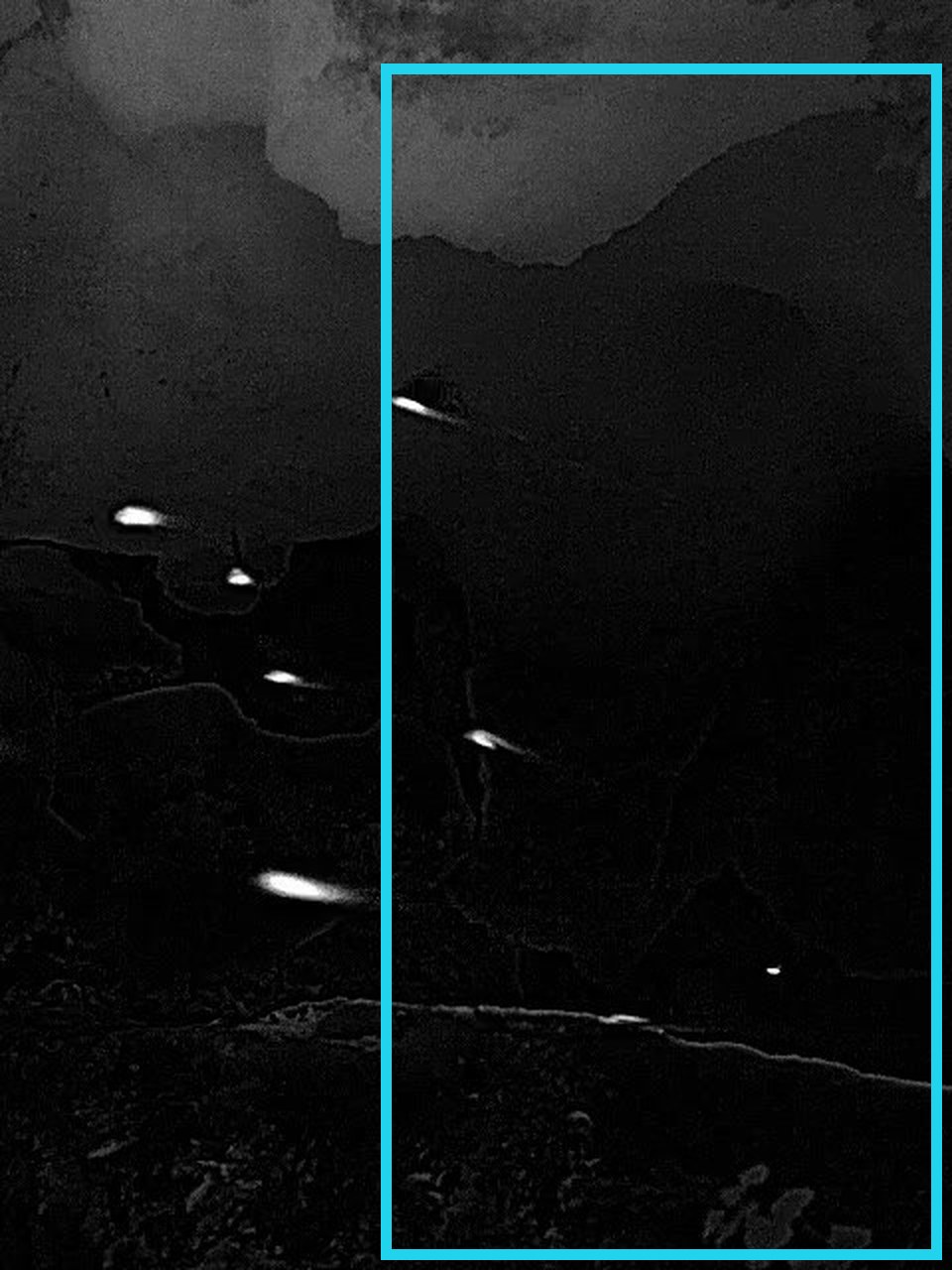
In this video, the key setting to focus on is the bounding box polygon tool. As this cave exit is not a uniform rectangle, better boundaries can be drawn using the polygon tool. Additionally, the user can increase target detection performance by using the Multiple Sizes tool, as this video contains both large and small bats.

Files
Download the dataset clip + settings · 2.1 MB
Show the settings (answer key)
Target diameter[ 10 px ]
Multiple sizes[ On · 10–40 px ]
Contrast sensitivity[ 4: Moderate (default) ]
Target polarity[ Light on dark ]
Max density[ 1–5 (Low) ]
Suppress background[ On ]
Exclusion size[ Off ]
Exclusion brightness[ On · min 141 ]
Exclusion zone / mask[ Off ]
Gate & mask The gate drawn on a frame from this clip
Gray batMyotis grisescens
Cave →Very large emergences →IntermediateThermalFLIR Scout Pro30 s clip

Gray bat · cave

Thermal still: gray bats as bright streaks emerging from a dark cave entrance

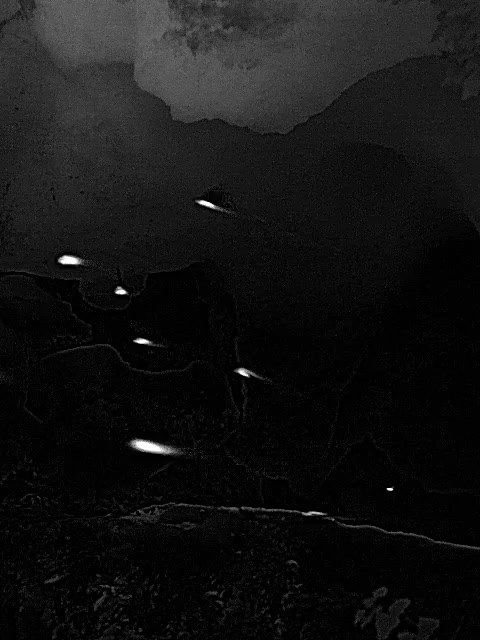
Gray bats emerging from a cold cave.

In this video example, the key setting that will make the overall processing of this kind of video perform better is Target Diameter. If you scroll through this video, you will notice both large and small targets. This is where the Multiple Sizes tool comes in handy, to reduce the number of tracks created on one detection and reduce the number of smaller detections being lost.

Files
Download the dataset clip + settings · 14 MB
Show the settings (answer key)
Target diameter[ 13 px ]
Multiple sizes[ On · 13–100 px ]
Contrast sensitivity[ 4: Moderate (default) ]
Target polarity[ Light on dark ]
Max density[ 6–20 (Medium) ]
Suppress background[ On ]
Exclusion size[ Off ]
Exclusion brightness[ Off ]
Exclusion zone / mask[ Off ]
Gate & mask The gate drawn on a frame from this clip

Yuma myotisMyotis yumanensis
Building →AdvancedThermalFLIR Scout Pro60 s clip

Yuma myotis · building

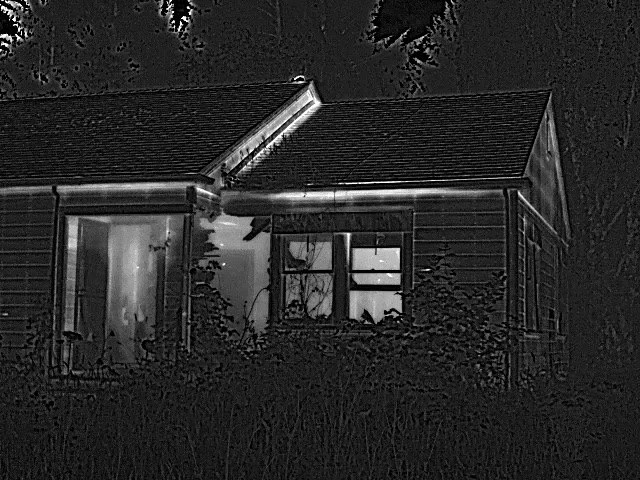
Thermal still: a building at night, with bats showing white hot against the cooler wall

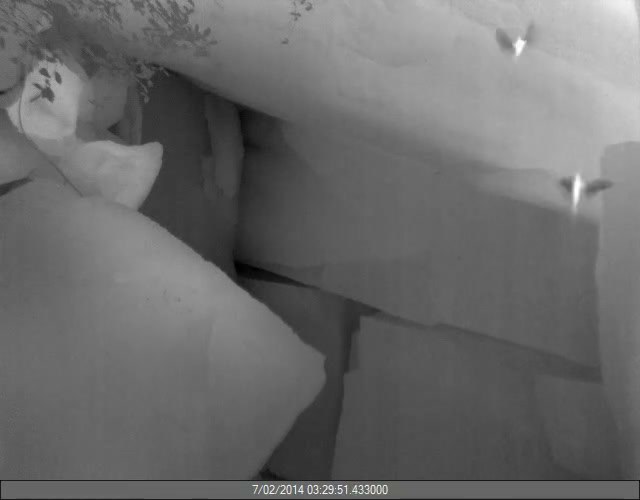
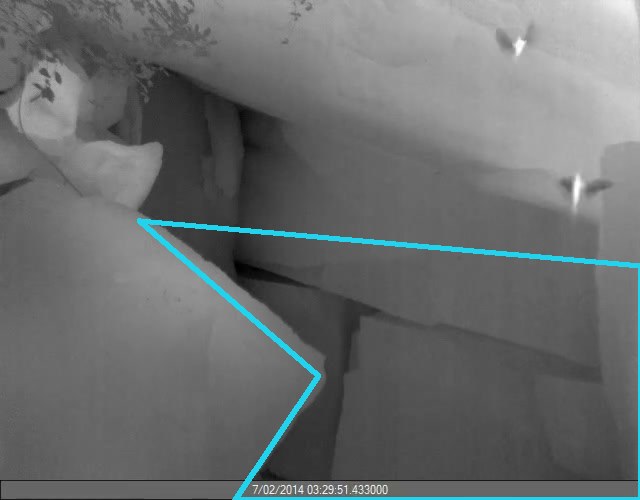
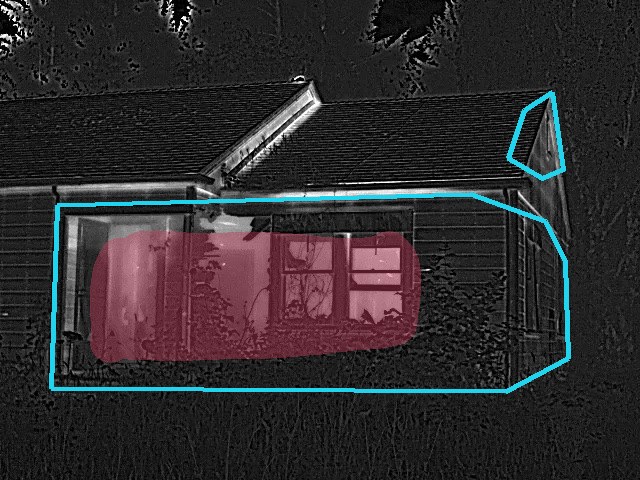
Bats leaving a house — out of the vent on the side, the front, and a few from the side window.

Files
Download the dataset clip + settings · 34 MB
Show the settings (answer key)
Target diameter[ 6 px ]
Multiple sizes[ On · 6–100 px ]
Contrast sensitivity[ 2: Very High ]
Target polarity[ Light on dark ]
Max density[ 1–5 (Low) ]
Suppress background[ On ]
Exclusion size[ Off ]
Exclusion brightness[ On · min 188 ]
Exclusion zone / mask[ On ]
Gate & mask The gate drawn on a frame from this clip
Brazilian free-tailed batTadarida brasiliensis
Bridge →Very large emergences →AdvancedThermalFLIR Scout Pro18 s clip

Brazilian free-tailed bat · bridge

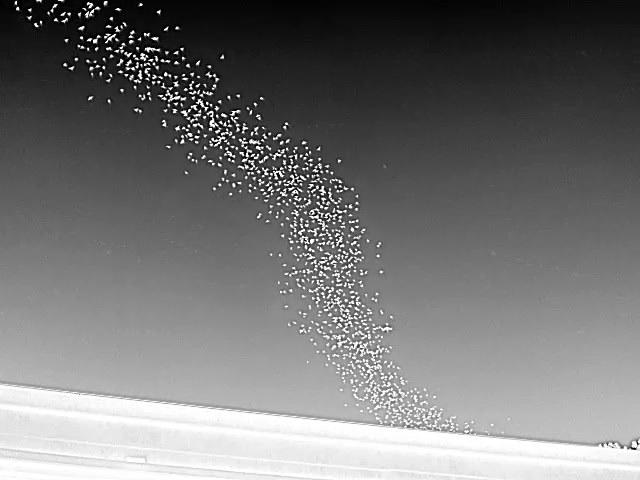
Thermal still: a dense column of free-tailed bats streaming out from under a bridge deck against open sky

A “bat-nado” — free-tailed bats swirling up in a column from under the causeway.

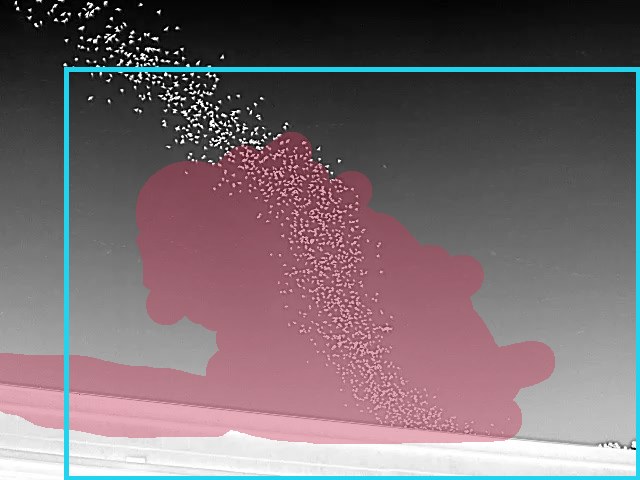
In this video, the key settings to focus on are max density, sensitivity, and the exclusion mask. As this is a high-density exit, drawing a large bounding box and masking the majority of the space within it — leaving a small buffer before the edges of the gate — improves detection quality and reduces noise detections. For the high volume of bats, a low sensitivity with max density set high improves detection success. With high-volume videos it is often better to mask out most of the cloud until it reaches the outer margins of the frame, before it hits the bounding box edges: that reduces processing time and improves detection quality.

Files
Download the dataset clip + settings · 11 MB
Show the settings (answer key)
Target diameter[ 2 px ]
Multiple sizes[ Off ]
Contrast sensitivity[ 6: Very Low ]
Target polarity[ Light on dark ]
Max density[ 20+ (Extreme) ]
Suppress background[ Off ]
Exclusion size[ Off ]
Exclusion brightness[ On · min 117 ]
Exclusion zone / mask[ On ]
Gate & mask The gate drawn on a frame from this clip

No datasets match that combination yet. Try “All”.